
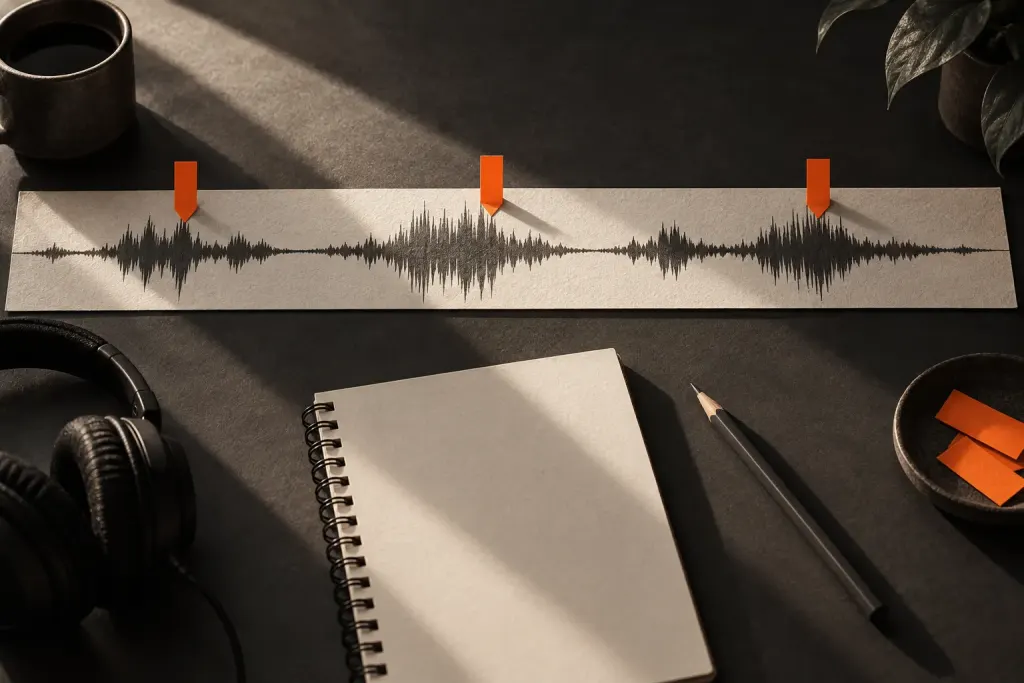
An audio editor can mark possible clipping, but the marker still needs interpretation. It is a prompt to inspect a passage, not a complete diagnosis of everything audible there.
Learn what the detector counts
The Audacity Find Clipping guide explains its sample-based detection and adjustable start and stop thresholds. Changing those thresholds can change the labels produced, so record them when comparing results.
Zoom into a marked passage and listen at a comfortable volume. Keep the original available while testing any processing. The waveform display and the sound each provide information, but neither should be replaced by the mere presence of a warning label.
Separate investigation from reconstruction
Lowering a level afterward does not establish that an earlier damaged waveform has been restored. If the passage matters and rerecording is possible, compare that option with the limits of any repair tool.
Write a concise finding such as “detector marked this syllable; audible roughness remains in the original.” That is more useful to a collaborator than calling the entire file broken or claiming an automatic fix succeeded without listening. The marker helps you find the work; your review determines the next action.