
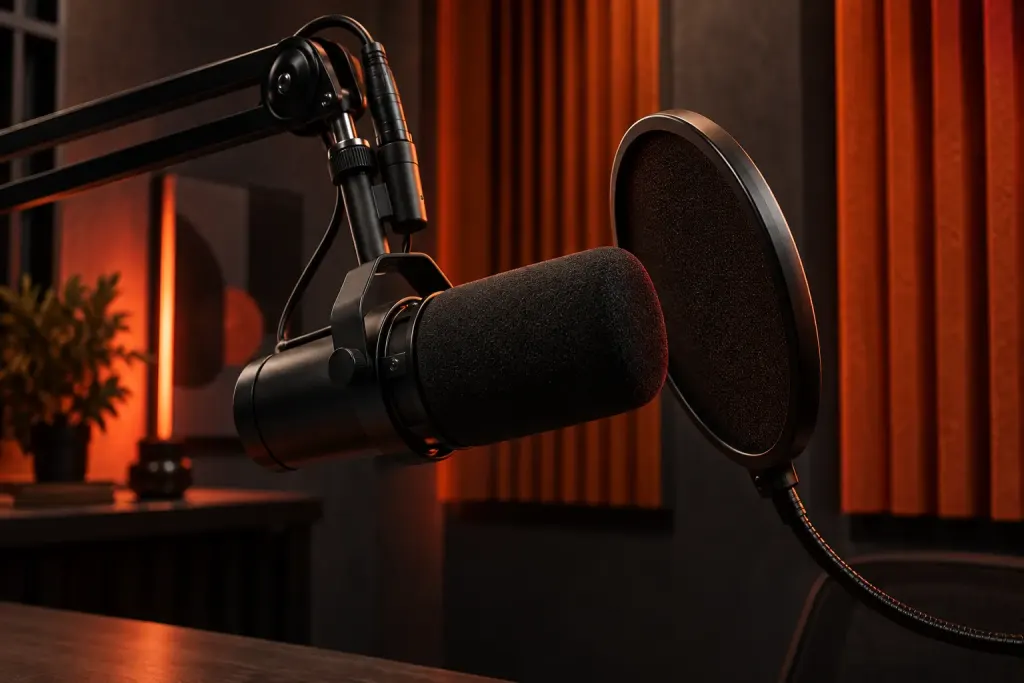
The script is ready, the room is quiet enough, and the record button is waiting. It is tempting to begin the whole piece at once. A short test gives you a chance to hear what the equipment is actually capturing before you commit to a longer take.
Audacity’s recording guide recommends recording a brief sample and playing it back. It also draws attention to input level, microphone position and reflections in the room. These are useful starting checks even when the controls in your own recording software look different.
Use the voice you intend to record
For an original practice exercise, choose two sentences from your script: one quiet and one with a little more emphasis. Record them at the position you expect to use. Then leave a few seconds without speaking so you can hear the surrounding sound.
Listen through headphones at a comfortable volume. Can you hear the words clearly? Is there a steady hum, a hard echo or a knock when your hand touches the desk? Write down the most noticeable issue before making a change. The list helps you avoid adjusting several things and losing track of which change mattered.
Change one thing and compare
If the room overwhelms the voice, try a different position and record the same lines again. If a strong consonant creates a thump, experiment with a slightly different microphone angle. Keep a sensible distance from equipment and follow its manufacturer’s instructions.
Watch the input meter as well as listening. A level that overloads the recording can produce clipping; turning down the finished file does not recreate the missing detail. When possible, correct the recording level and capture a new take rather than relying on a repair effect.
This exercise is not a promise that one room or microphone position will suit every voice. Its value is a comparison you can hear. Give the test files clear names so the choice remains understandable when you return later.
After recording, simple timeline labels can make a longer session easier to navigate. Reference: Audacity’s first-recording guide, checked 2 October 2026. Software menus vary by version.