
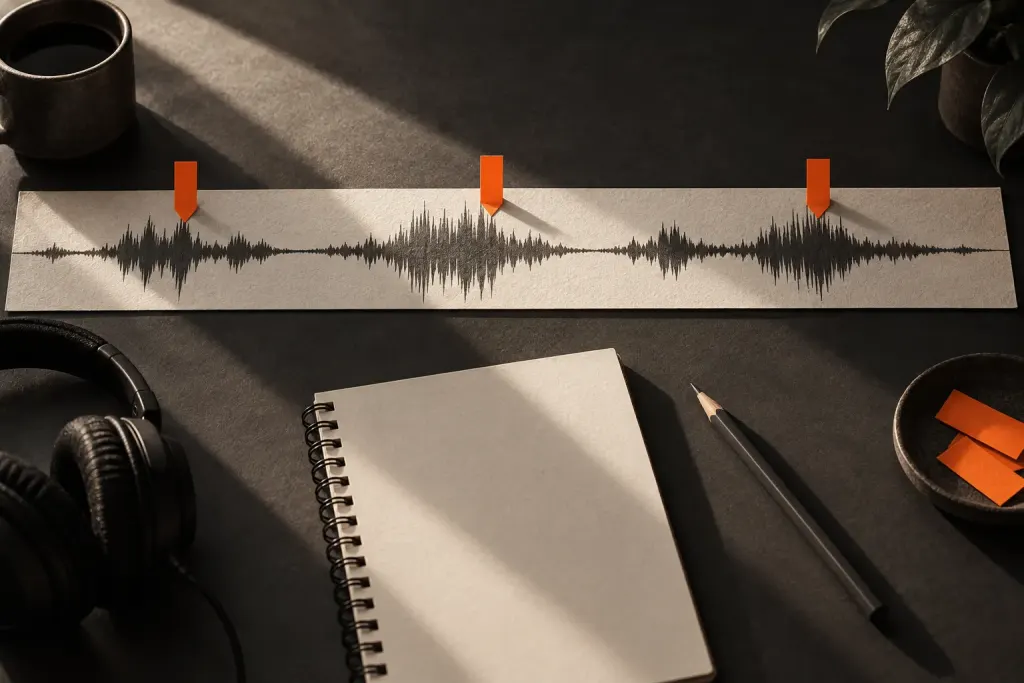
A sharp click may occupy a tiny part of a recording, yet attract attention every time it returns. Before applying a repair effect across a long passage, locate the actual disturbance and listen to what surrounds it.
The Audacity Repair manual describes an effect for selections of up to 128 samples. It estimates replacement audio from neighbouring material. That is a very small reconstruction task, not a way to recover a missing answer or an entire damaged recording.
Work on a copy and zoom in until you can select the short problem area accurately. Save an unprocessed comparison. A visually smoother waveform is not sufficient evidence that the change sounds natural.
Listen to a little audio before and after the selection at a comfortable level. A repaired click that creates a strange consonant or softens a deliberate attack may be worse than the original interruption. Undoing the attempt is a valid outcome.
For an interview, make a note if the damaged moment affects the meaning of a word. Do not manufacture speech to settle an uncertain quotation. Ask for a new recording or edit around the passage with its meaning intact.
Keep the repair log specific: the location, the defect heard and whether the processed version was retained. That record is more useful to a later editor than a filename claiming the entire recording has been fixed.
Editorial illustration from the site library.