
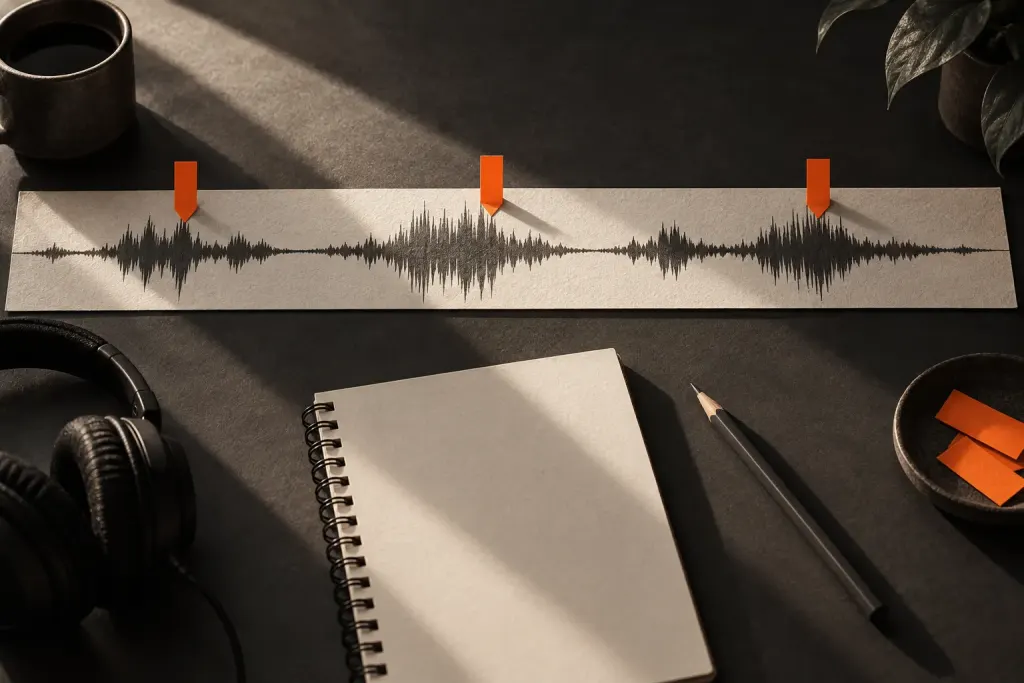
A recorded sentence ends abruptly, and you consider adding a fade. Before reaching for the effect, decide what should remain audible. Making the ending quieter is a different operation from removing unwanted material after it.
Name the change you need
Audacity’s fade and crossfade guide describes a fade as a transition between amplitude levels. It may lead to or from silence, but a fade does not have to span the entire recording.
For an editing exercise, use a copy of a short clip you own. Identify the last word that must remain intelligible and the section after it. Our guide to different clip operations helps keep the intended action clear.
Listen before, through and after the edit
Apply a small fade only to the intended region using your editor’s documented controls. Replay from before that region, not just from its middle. An ending can sound smooth in isolation while weakening the final consonant in context.
Compare the edited and unedited versions at a comfortable listening level. If the fade hides useful speech, move or shorten the region rather than assume a gentler curve will solve everything. Preserve enough context to judge the sentence as a sentence.
Distinguish a transition from a repair claim
A fade is not a promise to remove every noise or fix an unsuitable recording. Decide whether the issue is a clip boundary, an unwanted sound, or the recording itself before stacking effects.
Once the ending works, listen to the exported file as well. The practical goal is a clear delivery in which the last words remain complete and the transition sounds intentional to the listener.