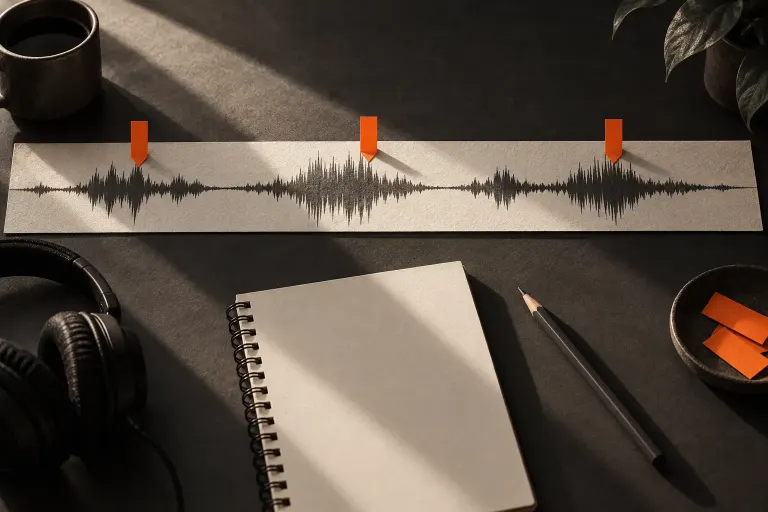
On the Timeline
Mute and Solo Change What You Hear While Editing
Use mute and solo to inspect a multitrack edit, then restore the intended listening state before judging or exporting the complete programme.

Use mute and solo to inspect a multitrack edit, then restore the intended listening state before judging or exporting the complete programme.
A fade adjusts how audio enters or leaves; a trim changes the clip boundary. Listen around the edit so a gradual ending does not swallow the final word.

Sample rate and bitrate use different units and answer different questions. Learn what the labels mean before copying export settings from another project.
Two channels do not automatically create a wider recording. Inspect a voice file’s channel layout and listen to each side before deciding how it should be delivered.

A microphone polar diagram describes relative sensitivity around the mic. Use it to plan a simple listening test without mistaking the outline for a pickup boundary.
Write a short audio trailer around a specific listener question, a truthful sample of the programme and one clear next step.
Before removing an interview question, check the words that depend on it. A shorter audio edit should still make clear what the speaker is answering.
Compare an episode description with the final recording so its claims, names, and promised topics match what listeners will actually hear.