
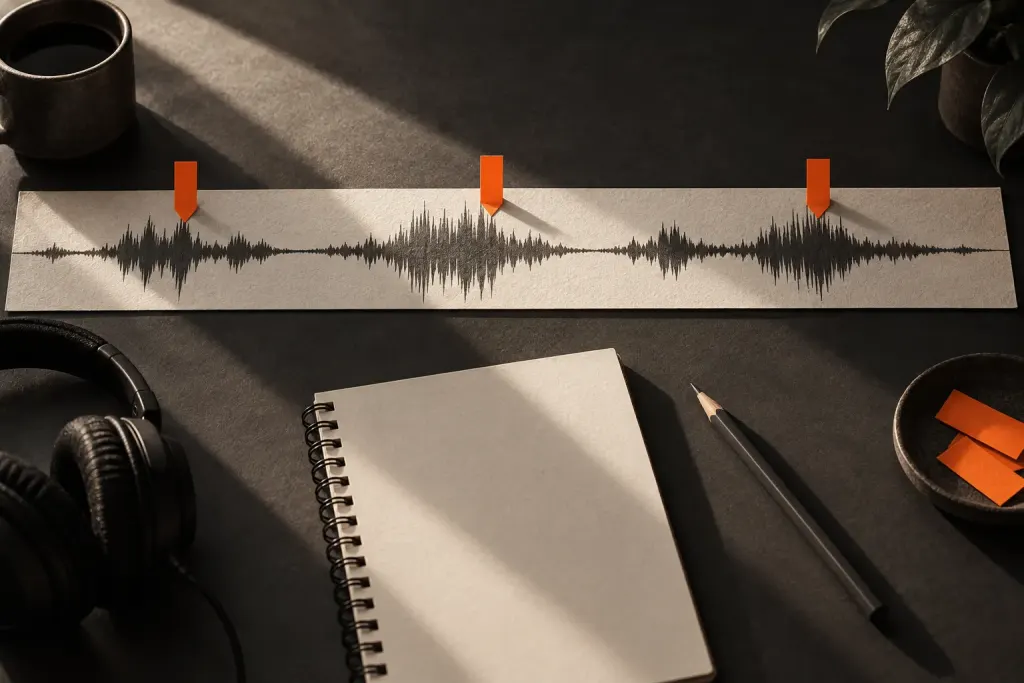
A waveform is a useful map, but it is easy to ask it questions it cannot answer on its own. A large shape may help you locate an event without telling you whether the recording sounds clear or pleasant.
Check what the display represents
The Audacity waveform guide explains that time runs horizontally and signal level vertically. At ordinary zoom, the display summarises samples within each visible slice of time; closer zoom reveals more detail.
Vertical zoom changes the picture without changing the audio. Compare recordings only after checking their display settings, and do not treat waveform height as a complete measure of perceived loudness.
Use the shape to find a question
Locate a sudden event, a pause or a section that looks different from its surroundings. Play a little before and after it. Decide whether the sound needs attention based on listening and the purpose of the recording.
A visible gap may contain quiet room sound. A dense section may be entirely intentional. Neither deserves an automatic edit.
Leave a useful marker
Label the event with what you heard, such as chair movement or repeated sentence, rather than writing bad waveform. Our guide to timeline labels helps turn a visual clue into a practical editing note you can revisit.