
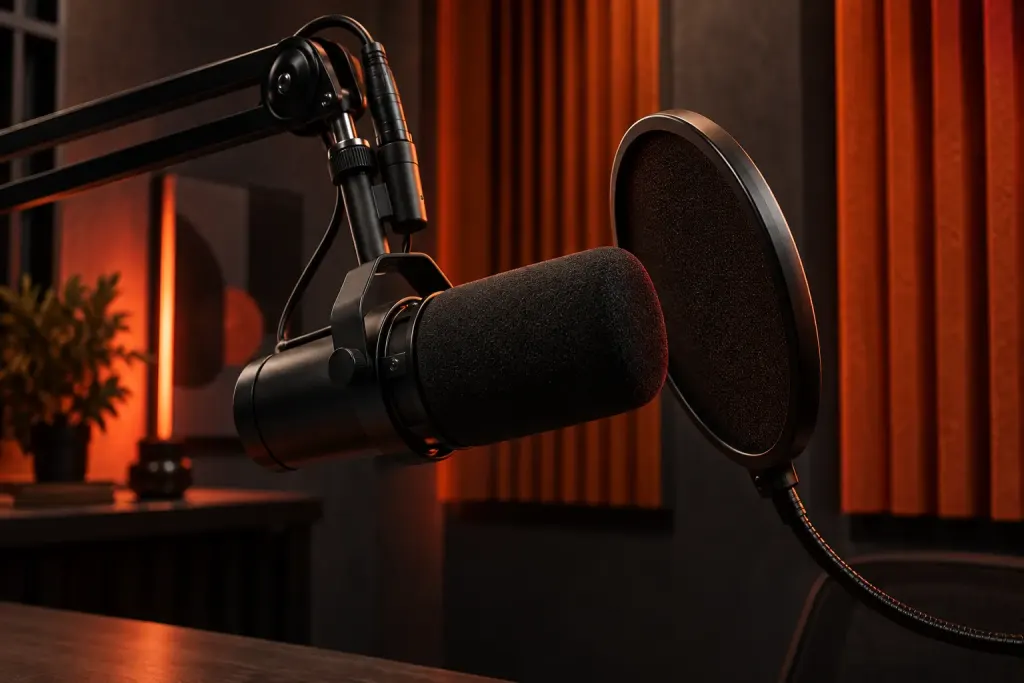
You speak into a microphone and hear your voice arrive a moment later in the headphones. That can be distracting even when the room itself is quiet.
Identify the route back to your ears
Software monitoring can send the signal through the computer before returning it to the output. Some audio interfaces also provide direct monitoring. The available controls depend on the equipment; consult its manual rather than assuming every headphone socket behaves the same way. Audacity’s overdubbing tutorial discusses monitoring considerations for recording alongside existing material.
Change one route at a time
Check whether both a direct path and software monitoring are active. Their combination may make the experience confusing. Use comfortable headphone levels and avoid routing a live microphone into nearby speakers while experimenting.
Record a short test, then listen to the saved take separately. A delayed listening path and an unwanted sound captured in the recording are different problems to investigate. Write down the equipment and setting changed, so a useful monitoring arrangement can be restored at the next session.