
On the Timeline
A Noise Gate Cannot Know Which Quiet Sound You Wanted to Keep
Understand a noise gate as a level-based process, and check soft words and phrase endings before assuming quieter gaps mean a better recording.

Organise recordings, notice useful moments and make editing decisions easier to revisit.
Understand a noise gate as a level-based process, and check soft words and phrase endings before assuming quieter gaps mean a better recording.
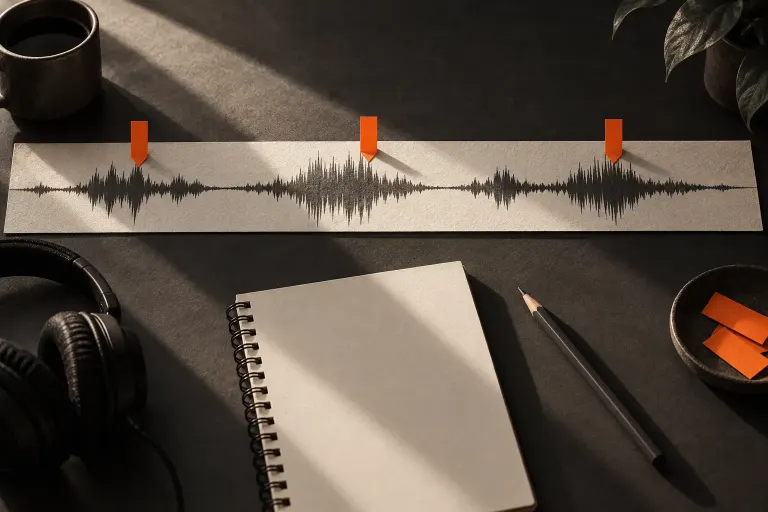
A fade adjusts how audio enters or leaves; a trim changes the clip boundary. Listen around the edit so a gradual ending does not swallow the final word.
Two channels do not automatically create a wider recording. Inspect a voice file’s channel layout and listen to each side before deciding how it should be delivered.
Before removing an interview question, check the words that depend on it. A shorter audio edit should still make clear what the speaker is answering.
Write editing notes that identify a location, explain the listening problem, and state the proposed change without confusing taste with a confirmed error.
Keep audio revisions understandable with short version names and a decision note that explains what changed and which file needs review.
Use a waveform to locate events in a recording while checking scale, zoom and playback before drawing conclusions about loudness or quality.
Understand a spectrogram as a view of frequency content over time, then use it alongside listening without mistaking display colours for fixed quality scores.