On the Timeline
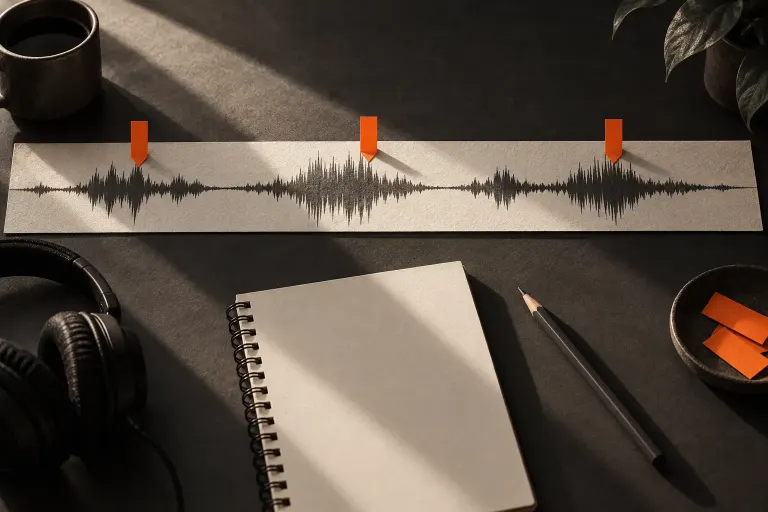
Zooming the Audio Timeline Changes the View, Not the Duration
A sentence suddenly stretches across the editing window after you zoom in. It has not become slower: the screen is showing a shorter span of time in greater…

Organise recordings, notice useful moments and make editing decisions easier to revisit.
A sentence suddenly stretches across the editing window after you zoom in. It has not become slower: the screen is showing a shorter span of time in greater…
Two compressor settings may share a threshold and ratio yet sound different because they respond over time in different ways. Attack and release are useful…
The name high-pass filter describes which side of the spectrum passes more freely. Its cutoff should not be read as a border below which every sound…
A higher-sounding recording does not always have to become shorter. Some audio tools treat pitch and duration separately, so it helps to identify which…
An audio editor can mark possible clipping, but the marker still needs interpretation. It is a prompt to inspect a passage, not a complete diagnosis of…
Try panning a mono practice clip to understand its position in a stereo mix without confusing that adjustment with the original microphone placement.
Compare a speech edit with its surrounding ambience and listen for a sudden change in the room sound before shortening every pause.
Use mute and solo to inspect a multitrack edit, then restore the intended listening state before judging or exporting the complete programme.